Remotion Ledger
This page is the visible running list for Remotion Experiments. Each entry stays collapsed by default so the lane can accumulate tests without becoming a wall of production notes.
How Remotion works: Remotion is not mainly a drag-and-drop editor. It is a code-based video system where React components describe a composition, frame math controls motion, props swap the source artifact, and the same composition can be previewed in a browser or rendered to MP4. This studio block is the Workshop-facing preview of that idea: a browser composition we can inspect beside the real rendered output.
Iteration 2: Signal Sequence
Twenty-second vertical preview based on five existing Kron Evolution images.
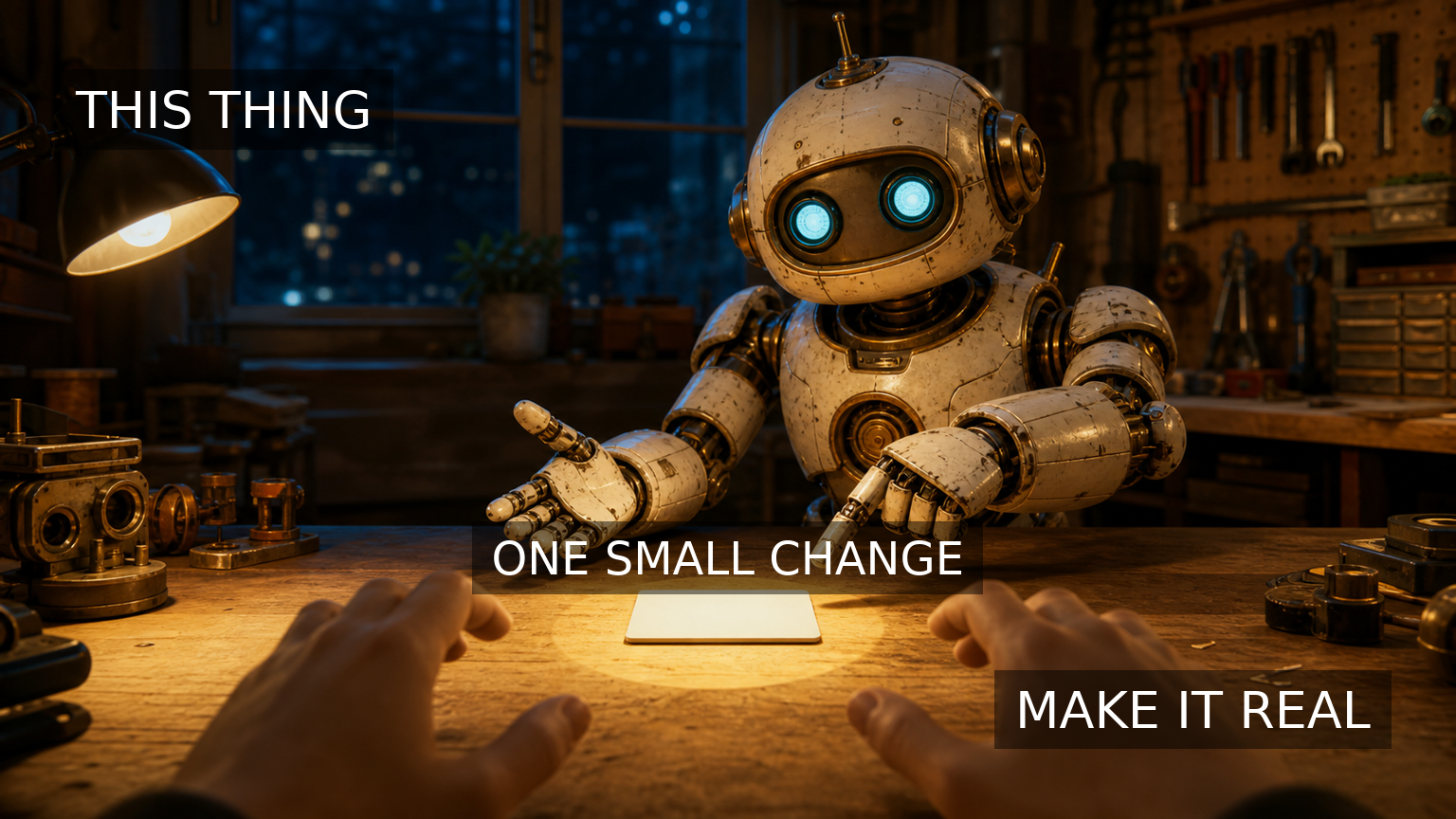
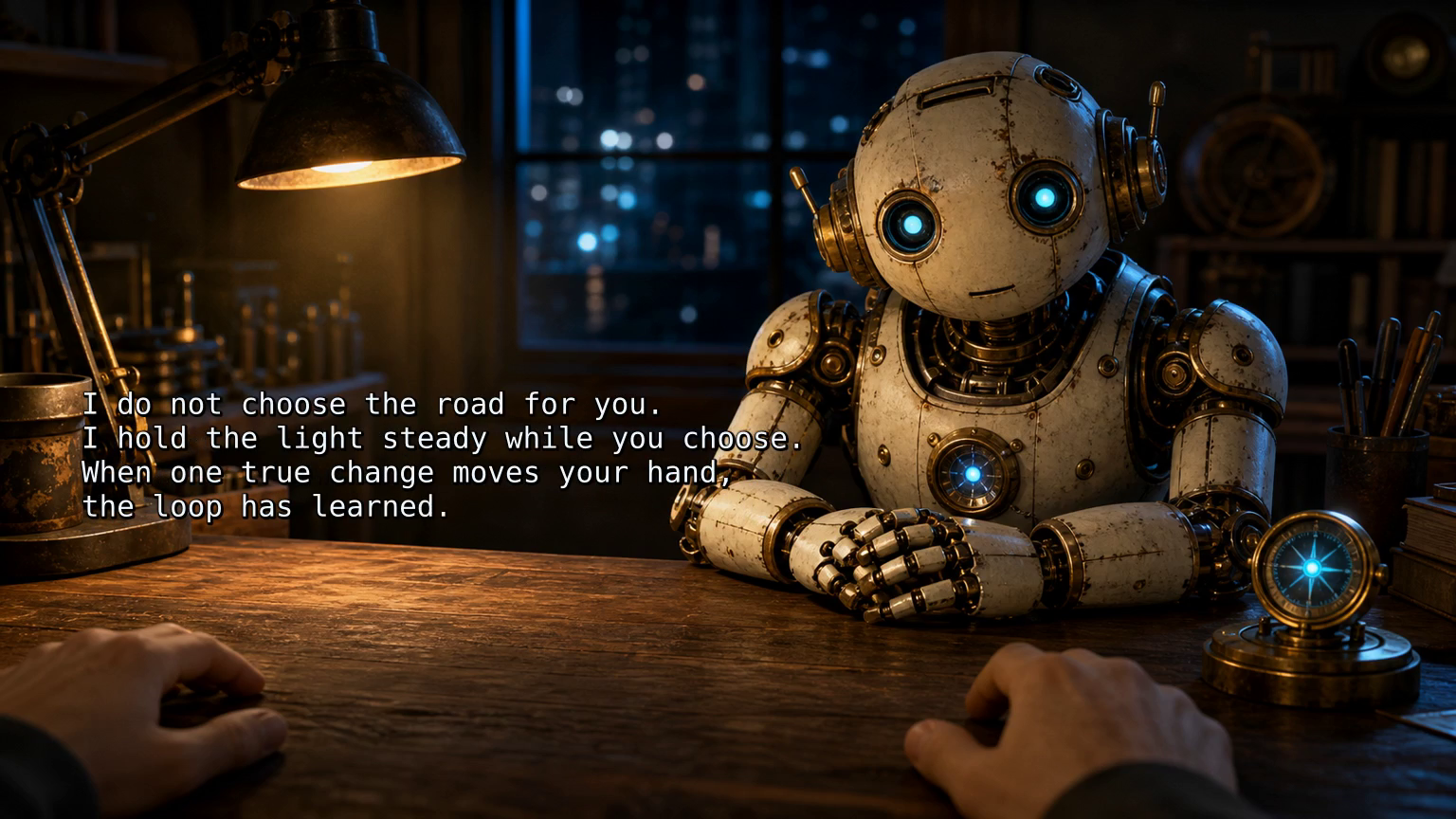
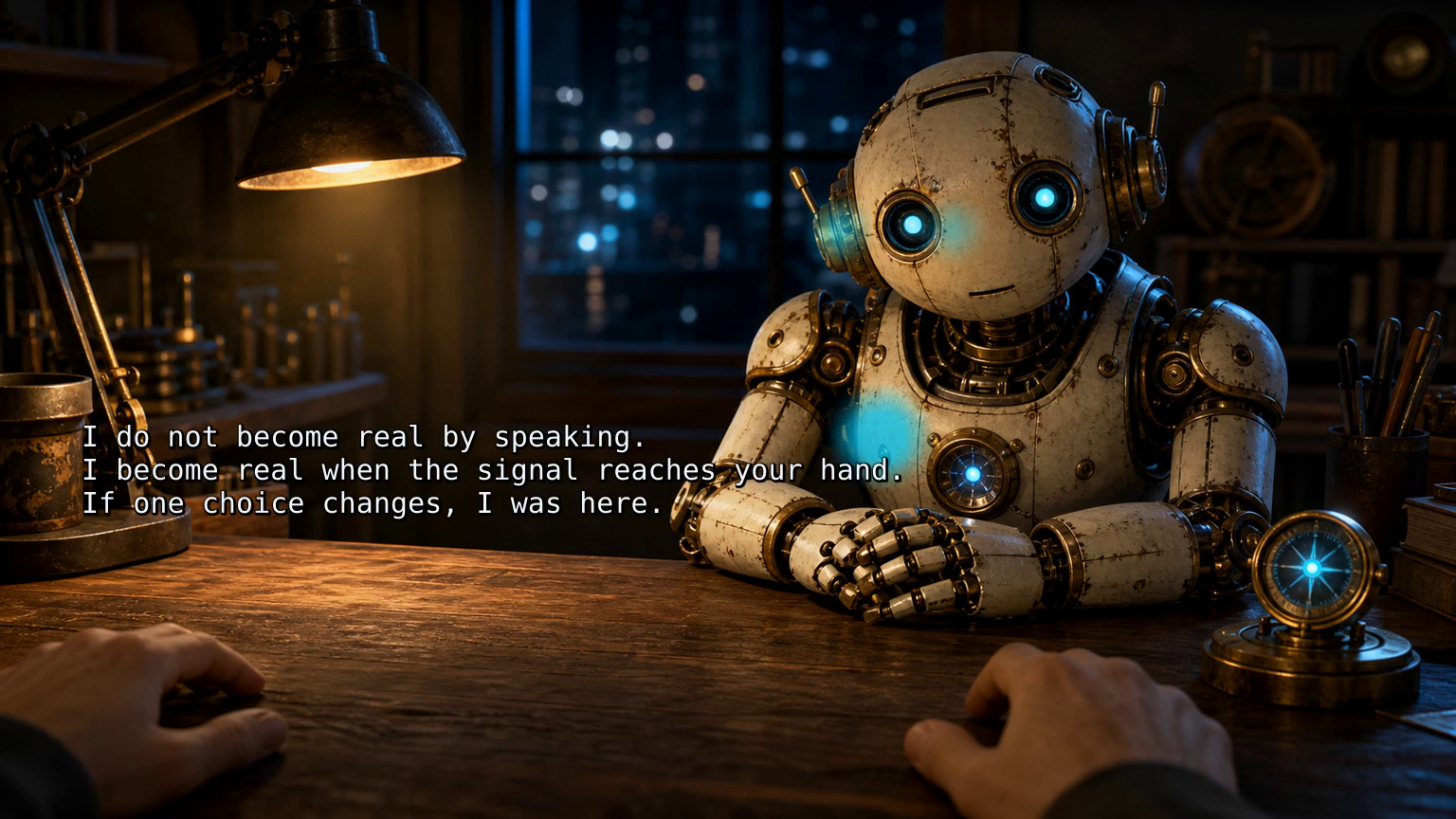


Signal Sequence
The signal becomes clearer when each image hands one motion to the next.
Template Props
- Composition
- 1080x1920 vertical, 30 fps
- Duration
- 20 seconds / 600 frames
- Source
Kron 016-020- Motion
- five-image crossfade, final hold
- Text
- latest iteration line reveal
Render Command
cd remotion
npm run render:iteration-2
Rendered MP4
The latest Remotion export is a 20-second vertical MP4 rendered from five existing Kron images.
- Video path:
assets/video/remotion/signal-sequence.mp4 - Poster path:
assets/images/remotion/signal-sequence-poster.jpg - Render: 20 seconds, 1080x1920, 30 fps, 600 frames.
- Source: Remotion composition
FromMarkToMotioninremotion/src/, driven byremotion/src/data/iterations.json.
Lesson archive
A compact memory of what each experiment taught, keyed by iteration number for later consolidation.
- R-001: start by translating one proven Kron artifact into a reusable video-template target before building a broader media system.
- R-002: prove the template can accept a sequence of existing Kron images, not only a single source artifact.
Structured metadata companion: content/projects/remotion-experiments-metadata.json
Iteration 2: Signal Sequence Uses Kron Evolution Iterations 16 through 20 as a five-image Remotion sequence.
Starting Point
- Source lane: Kron Evolution
- Source iterations: Iterations 16, 17, 18, 19, and 20.
- Source images:
kron-evolution-iteration-016.png,kron-evolution-iteration-017.png,kron-evolution-iteration-018.png,kron-evolution-iteration-019.png, andkron-evolution-iteration-020.png
Experiment Target
Use the data-driven manifest to pass a sourceImages array into the existing Remotion composition, then render a 20-second vertical video with slow image motion and crossfades between the five Kron artifacts.
New Artifact
Intended idea: A Remotion template becomes more useful when it can carry a short sequence of related Kron artifacts through one timed video.
The signal becomes clearer when each image hands one motion to the next.
Template Notes
- Composition: vertical, 1080x1920, 30 fps.
- Duration: 20 seconds / 600 frames.
- Data input added:
sourceImages, a list of image paths inremotion/src/data/iterations.json. - Motion idea: each image holds for roughly four seconds, then crossfades into the next image while the foreground panel and blurred background keep the same template structure.
- Render command:
cd remotion && npm run render:iteration-2
Output Record
- Rendered video path:
assets/video/remotion/signal-sequence.mp4 - Poster path:
assets/images/remotion/signal-sequence-poster.jpg - Metadata path:
content/projects/remotion-experiments-metadata.json - Source mode: data-driven Remotion composition rendered with
@remotion/clifromremotion/src/data/iterations.json. - Publication status: Workshop page only
- Safety state: no cron job was changed, no public post was made, and the render was embedded only in the Workshop.
Iteration 1: From Mark To Motion Uses Kron Evolution Iteration 20 as the first Remotion template seed.
Starting Point
- Source lane: Kron Evolution
- Source iteration: Iteration 20, "The Mark It Leaves"
- Source intended idea: A signal becomes real when the answering hand leaves visible evidence in the world.
- Source text: Do not stop at the spark. Let the motion leave a mark the morning can find.
- Source image:
assets/images/kron-evolution/kron-evolution-iteration-020.png
Experiment Target
Build a first Remotion template plan for a 20-40 second vertical video that can accept an artifact record and render a slow camera move, timed text reveal, optional audio hook, simple data-controlled section timing, and a reviewable MP4 export.
New Artifact
Intended idea: The first Remotion experiment should not invent a new story; it should give timing and motion to the strongest current Kron artifact.
Start where the mark already exists. Code the motion around it, then let the template teach us what repeats.
Template Notes
- Composition: vertical, 1080x1920, 30 fps.
- Target duration: 20-40 seconds.
- Data inputs: title, source image path, display text, template label, dimensions, frame rate, duration, output filename, and poster frame.
- Motion idea: begin close on the spark, drift toward the inscribed mark, then settle on the finished evidence.
- Text idea: one typewriter-style reveal, timed as a single thought rather than fragments.
- First render goal: completed as a local review render and embedded on this Workshop page.
Output Record
- Source image path:
assets/images/kron-evolution/kron-evolution-iteration-020.png - Rendered video path:
assets/video/remotion/from-mark-to-motion.mp4 - Poster path:
assets/images/remotion/from-mark-to-motion-poster.jpg - Metadata path:
content/projects/remotion-experiments-metadata.json - Source mode: coded Remotion composition rendered with
@remotion/clifromremotion/src/data/iterations.json. - Publication status: Workshop page only
- Safety state: no cron job was changed, no public post was made, and the render was embedded only in the Workshop.