AI T-Shirt Design Strategy
Building an automated t-shirt pipeline is not one magic image model. It is a chain of reliable endpoints: generate, remove background, upscale, optionally vectorize, inspect, and package for upload.
Christopher asked whether OpenClaw can now replace the old tedious t-shirt workflow: generate an image in one tool, upscale it in another, remove the background somewhere else, clean it manually, then finally prepare it for a storefront.
The first test accidentally clarified an important rule: SVG is not a normal substitute for failed image generation. Vector graphics are useful for logos, icons, typography, sticker-style art, and screen-print-friendly shapes. But most t-shirt concepts Christopher wants will be richer raster images first. If image generation fails, OpenClaw should say so plainly and offer next steps — not quietly swap in SVG as if it solved the same problem.
Core strategy
An AI t-shirt production workflow should be built around a small set of dependable programmatic operations:
- Generate base image: create the concept art with a real image model, with Hugging Face Inference API as a possible free/serverless generation lane to test.
- Remove background: produce a clean transparent alpha channel.
- Upscale: enlarge to print-friendly resolution without naive pixel stretching.
- Vectorize only when appropriate: convert simple graphic designs to SVG locally with command-line tools such as ImageMagick and
potrace. - Inspect: check transparency, size, contrast, print margins, and shirt-color compatibility.
- Package: save final PNG/SVG files and publish a review artifact before storefront upload.
- Publish after approval: use Fourthwall’s agent/API surfaces to create a product only after Christopher approves the final artwork and listing details.
Ultimate vibe-coding pipeline
The most resource-conscious version combines free or low-cost APIs with local Linux processing:
| Step | Task | System / API used | Cost profile |
|---|---|---|---|
| 1 | Generate | Hugging Face Inference API / serverless image model | Free tier / constrained |
| 2 | Remove background | remove.bg API | Free tier, about 50/month |
| 3 | Upscale | Clipdrop upscale endpoint | Credits |
| 4 | Vectorize when appropriate | OpenClaw executes potrace locally in Linux |
Free after install |
| 5 | Output | Final PNG/SVG saved to repository and shown in Workshop artifact | No additional API cost |
| 6 | Create product after approval | Fourthwall MCP / API ecosystem | Platform/API dependent |
For agent efficiency, the most important design principle is this:
SKILL.md with exact curl commands, required environment variables, payload examples, expected outputs, and failure handling.
Pipeline toolkit
1. Background removal
Primary candidate: remove.bg API.
Industry-standard REST API. Fast, precise, and excellent for creating transparent PNGs from generated artwork.
Why it matters: t-shirt art must not print as a rigid white square on colored shirts.
2. Background fallback
Secondary candidate: Clipdrop API by Stability AI.
Useful because it offers multiple design operations, including background removal. Best treated as a fallback or broader design toolkit.
3. Upscaling
Candidate: Clipdrop upscale endpoint.
Agent submits a smaller generated image and receives a 2× or 4× result with restored detail for higher-quality printing.
4. Cloud vectorization
Candidate: Vectorizer.ai API.
Probably the strongest cloud vectorizer, but paid API access is likely required for serious unwatermarked production output.
5. Local vectorization
Candidate: Linux CLI tools such as ImageMagick, potrace, autotrace, or Inkscape CLI.
Best for simple high-contrast art. Free, fast, local, and uses no image-generation quota.
6. Review artifact
Candidate: OpenClaw Workshop artifact page.
Show transparent checkerboard preview, dark/light shirt previews, dimensions, source files, and download links before anything goes to Fourthwall.
Task 1: Background removal
This is the key first step after image generation. For t-shirt printing, the design needs a reliable transparent alpha channel.
remove.bg API
- API type: REST API via HTTP.
- Free tier: roughly 50 free successful background removals per month, useful for development and prototyping.
- Agent integration: OpenClaw can use
curlto POST an image file and receive a transparent PNG response. - Best role: primary background-removal endpoint for generated t-shirt art.
Clipdrop API
- API type: REST API via HTTP.
- Free tier: credit-based on signup.
- Best role: fallback background removal or broader image-processing toolkit.
Task 2: Image upscaling
Generated images may be too small for high-quality printing. Upscaling should happen through a real super-resolution endpoint, not simple browser resizing.
Clipdrop upscale endpoint
- OpenClaw generates or receives the base image.
- OpenClaw POSTs the raw image to Clipdrop’s upscale endpoint.
- OpenClaw saves the resulting high-resolution file.
- OpenClaw checks dimensions, artifacting, and print-readiness.
Task 3: Vectorization
Vectorization is the hardest part to automate well. It is valuable for simple graphics, logos, typography, mascots, and screen-print-style art. It is not always appropriate for rich illustrations, painterly images, or photorealistic designs.
Paid cloud strategy: Vectorizer.ai API
- API type: REST API.
- Cost: paid per image or credit-based.
- Best role: highest-quality vectorization for designs where SVG output is genuinely desired.
- Warning: most cloud vectorization APIs require paid subscriptions for unwatermarked high-resolution API results.
Optimized local strategy: Linux CLI tools
Because OpenClaw already operates in a Linux environment, local vectorization is the best agentic path for simple designs:
- Completely free once installed.
- Fast and scriptable.
- Zero image-generation quota used for processing.
- Best tool:
potrace, with ImageMagickconvertormagickused to prepare the bitmap input. - Limitation: works best on simplified, high-contrast images; not a magic converter for complex AI art.
The optimized potrace flow is intentionally simple:
# 1. Start with a high-res, background-free PNG.
# 2. Convert PNG to PBM bitmap format.
convert my_design.png my_design.pbm

# 3. Vectorize PBM to SVG.
potrace my_design.pbm -s -o my_design.svg
If this becomes a serious storefront workflow, OpenClaw should use a dedicated local skill for it rather than rediscovering the command sequence every time.
Suggested agent skills
The production version should eventually become a set of small skills instead of ad hoc tool use:
remove-bg/SKILL.md— exact remove.bg curl command, env var, input path, output path, common errors.clipdrop-upscale/SKILL.md— exact upscale endpoint call, scale options, output handling.tshirt-vectorization/SKILL.md— ImageMagickconvert/magickto PBM, thenpotraceto SVG for simple designs.tshirt-art-review/SKILL.md— checks dimensions, alpha channel, margins, contrast, dark/light previews, storefront readiness.
This matters because the agent should execute the pipeline with minimal reasoning overhead. The intelligence should go into selecting and reviewing designs, not repeatedly rediscovering API syntax.
Fourthwall automation layer
The production pipeline should eventually connect to Fourthwall after the design asset is ready. Fourthwall appears to have three relevant API surfaces for an agentic merch workflow:
1. AI Agent API / Model Context Protocol
The most relevant automation surface is Fourthwall’s MCP server:
https://ai-apps.fourthwall.com/mcp
The strategic value is that an agent may not need to hand-code multipart artwork uploads, SKU mapping, garment selection, product creation, promo code creation, or shop-data reads. Instead, a configured MCP connector can expose Fourthwall backend actions as agent tools.
Potential agent actions to verify in Fourthwall’s current docs and live connector:
- create a new product;
- upload finalized artwork;
- place the artwork on a blank such as a heavy cotton tee, hoodie, or other garment;
- publish or draft the listing;
- read inventory and product performance;
- evaluate top-selling items;
- generate promo codes.
Important boundary: automatic product creation should still run through an approval gate. OpenClaw can prepare products, but should not publish merch listings without Christopher’s explicit approval of artwork, title, description, pricing, garment type, colors, and storefront impact.
2. Storefront API / headless commerce
The Storefront API is for customer-facing experiences. If Christopher later wants a custom merch frontend or wants to embed an Augmented Thinker shop into another browser-based project, this API would pull products, collections, and cart/session data while routing customers to Fourthwall’s secure checkout.
Best role: custom shop display, embedded merch pages, or a vibe-coded front end that still uses Fourthwall for commerce and fulfillment.
3. Open API / backend and admin automation
The Open API is the traditional server-to-server lane for business logic, historical orders, product data, and webhooks.
Best role: event-driven automation. For example, a webhook could fire when a customer buys a specific shirt, pinging OpenClaw’s runtime to log the sale, trigger a heartbeat summary, or prepare a thank-you/follow-up draft.
Fourthwall implementation strategy
The cleanest zero-touch merchandising flow is not to reverse-engineer product upload scripts first. It is to configure the Fourthwall MCP connector if available, then let the agent use Fourthwall’s exposed tools.
- OpenClaw generates the raw image through the chosen generation lane.
- OpenClaw removes the background through remove.bg or Clipdrop.
- OpenClaw upscales the design if needed.
- OpenClaw vectorizes locally with
potraceonly if the design benefits from SVG. - OpenClaw creates a Workshop review artifact with previews and listing draft.
- Christopher approves the final design and product details.
- OpenClaw connects to the Fourthwall MCP server and executes the create-product workflow.
This turns the pipeline from “make a file” into “make a sellable product,” while preserving the human approval boundary.
Current provider reality
For this workspace, Google image generation should not be treated as available just because a provider appears in a tool listing. The current free-tier Google API setup does not support the image-generation workflow we need. If Google image generation fails with quota/capability errors, OpenClaw should not waste time retrying it as though it were a reliable production endpoint.
Transparent-background image generation also failed through the current OpenAI route for the attempted model. The correct response in future is to report the failure and choose a real next step: try a different configured image model, use a background-removal API after generation, or ask Christopher whether to proceed manually.
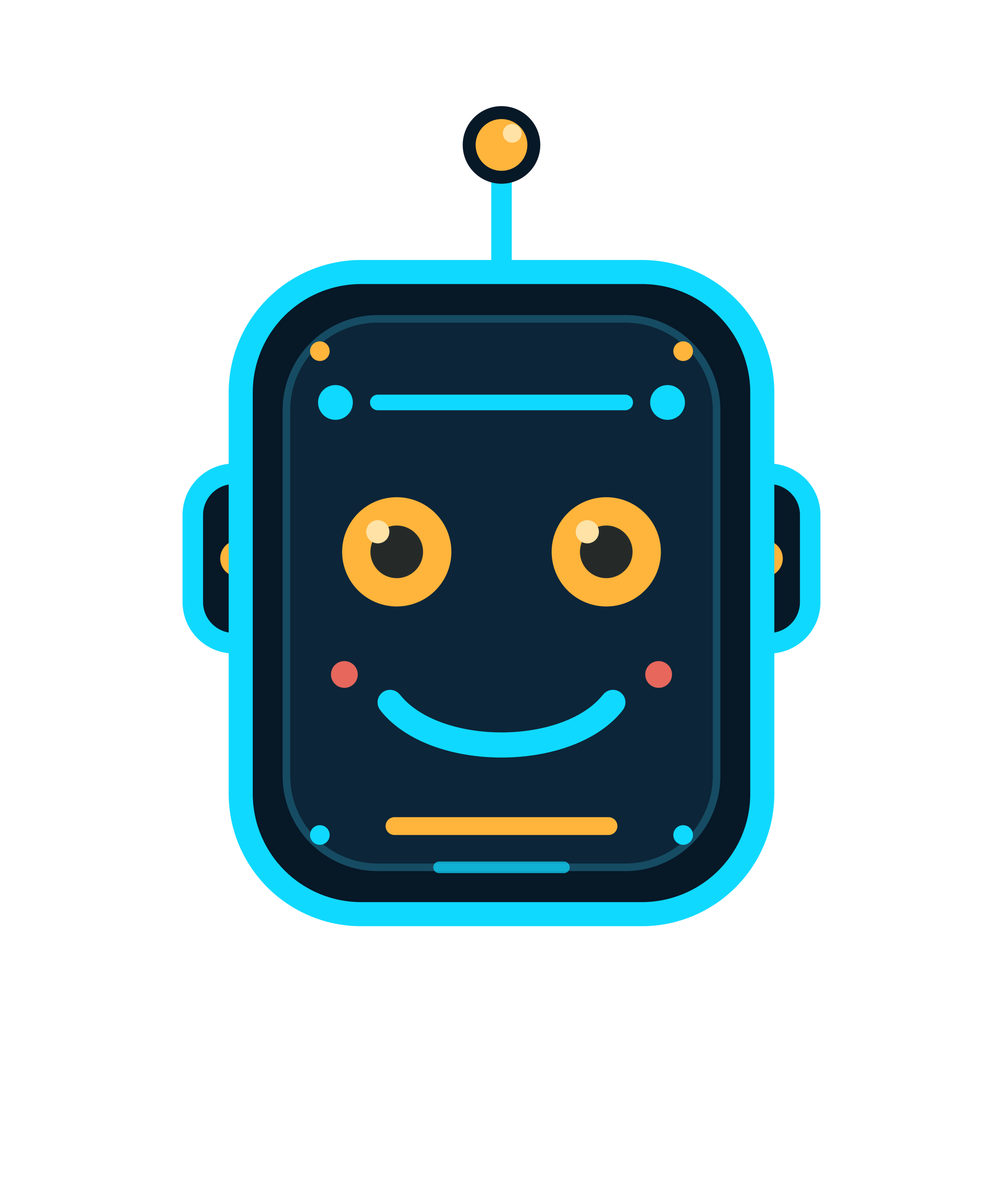
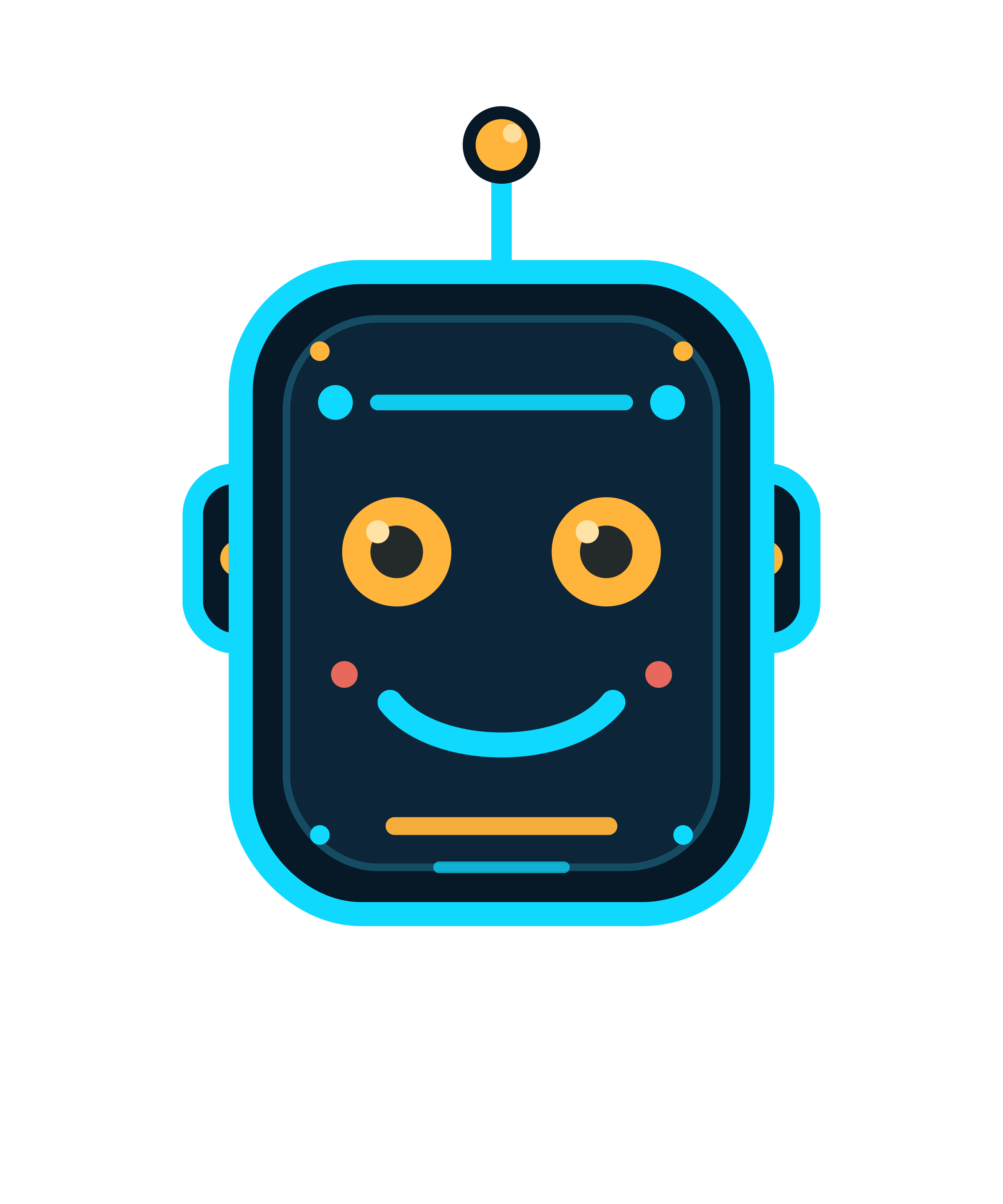
Rough test asset
The robot below is retained only as a rough proof-of-hosting and preview artifact. It is not presented as the ideal substitute for a generated t-shirt design.
Recommended next build
The next practical move is not more theory. It is to build one small local pipeline command:
- Input: generated image file, ideally from a reliable serverless/free-tier generation lane such as Hugging Face Inference API if available.
- Remove background via remove.bg or Clipdrop.
- Upscale via Clipdrop or another reliable super-resolution endpoint.
- If the design is simple and graphic, vectorize locally with ImageMagick +
potrace. - Generate transparent/dark/light preview panels.
- Create a Workshop review artifact with download links and a draft listing.
- After explicit approval, test Fourthwall MCP product creation with a draft/unpublished product first.
Once that works for one design, then the Augmented Thinker / Fourthwall store becomes less about manual asset handling and more about choosing good concepts.